
See how cancellations develop over time instead of relying on a single aggregate rate.
Cancellation Curves turn contract and cancellation data into time-aligned views that show how cancellation behavior develops month by month. Compare performance across products, dealers, terms, vintages, channels, or other meaningful segments in your data.
Use Cancellation Curves to:
- Compare cancellation behavior across cohorts and segments
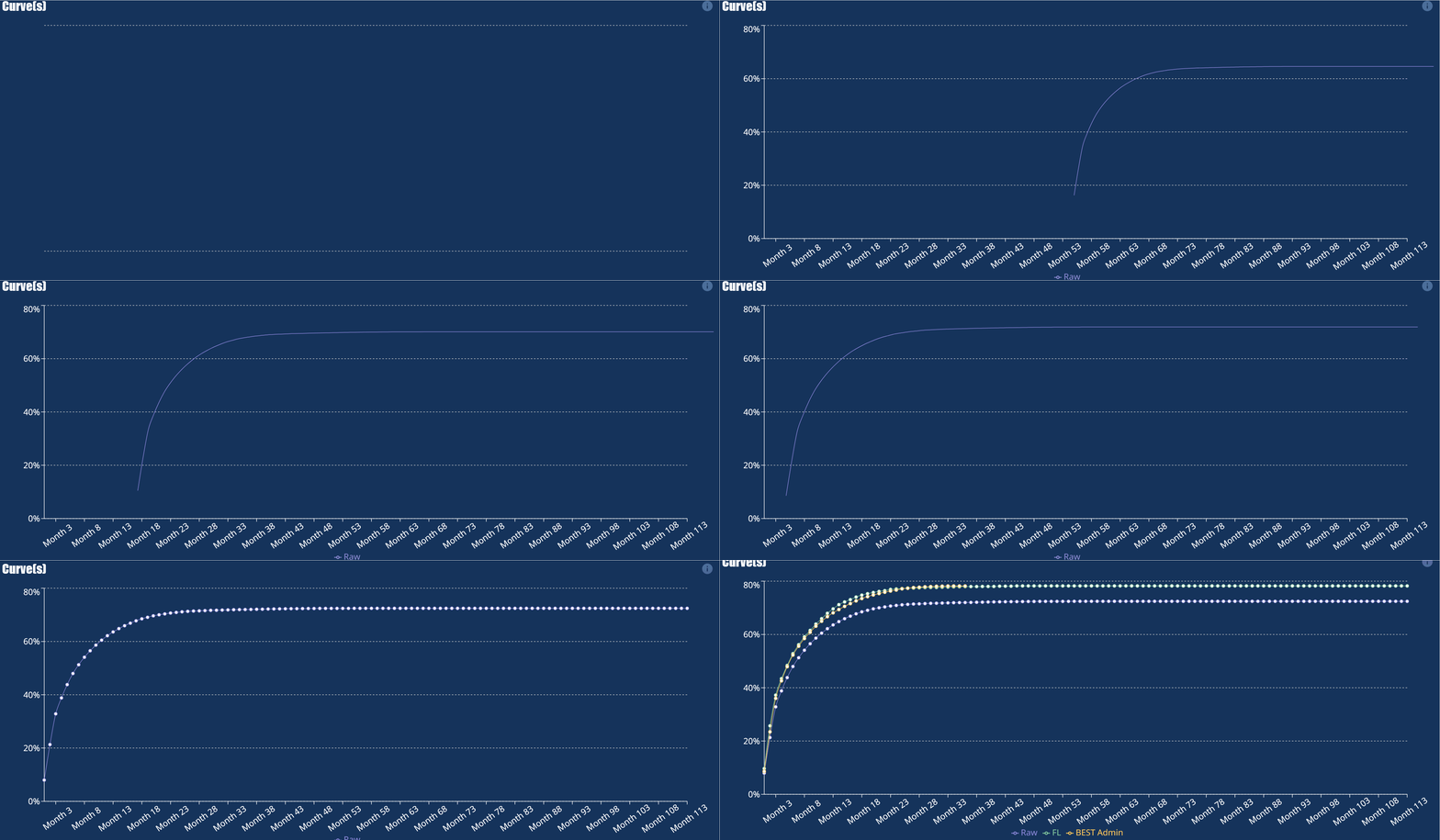 See when differences begin to emerge
- Identify products, dealers, terms, or vintages with higher or lower cancellation patterns
- Explore the underlying data behind each curve
- Build repeatable views without recreating the analysis manually in Excel
Upload your Excel file, choose the fields you want to compare, and build the curves from the data you already have.
No code. No formulas. Just a clearer view of how cancellations develop over time.
We never store your data—uploads are processed in-session only and permanently deleted after each use.
Step 1: Upload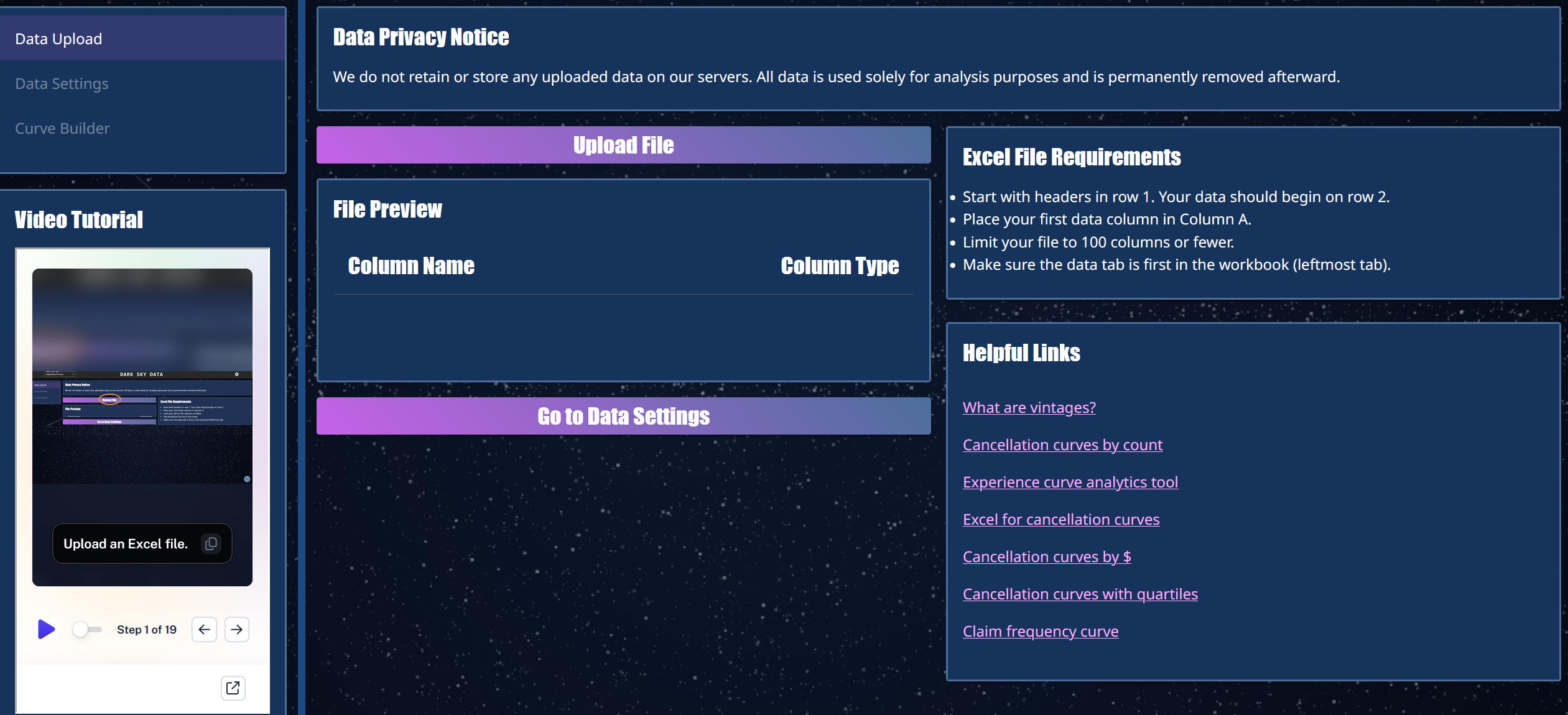
Upload your Excel file containing the contract and cancellation data you want to analyze.
Once your data is loaded, you can select the fields you'll use to build and compare Cancellation Curves.
Not sure what to upload? Use our example data.
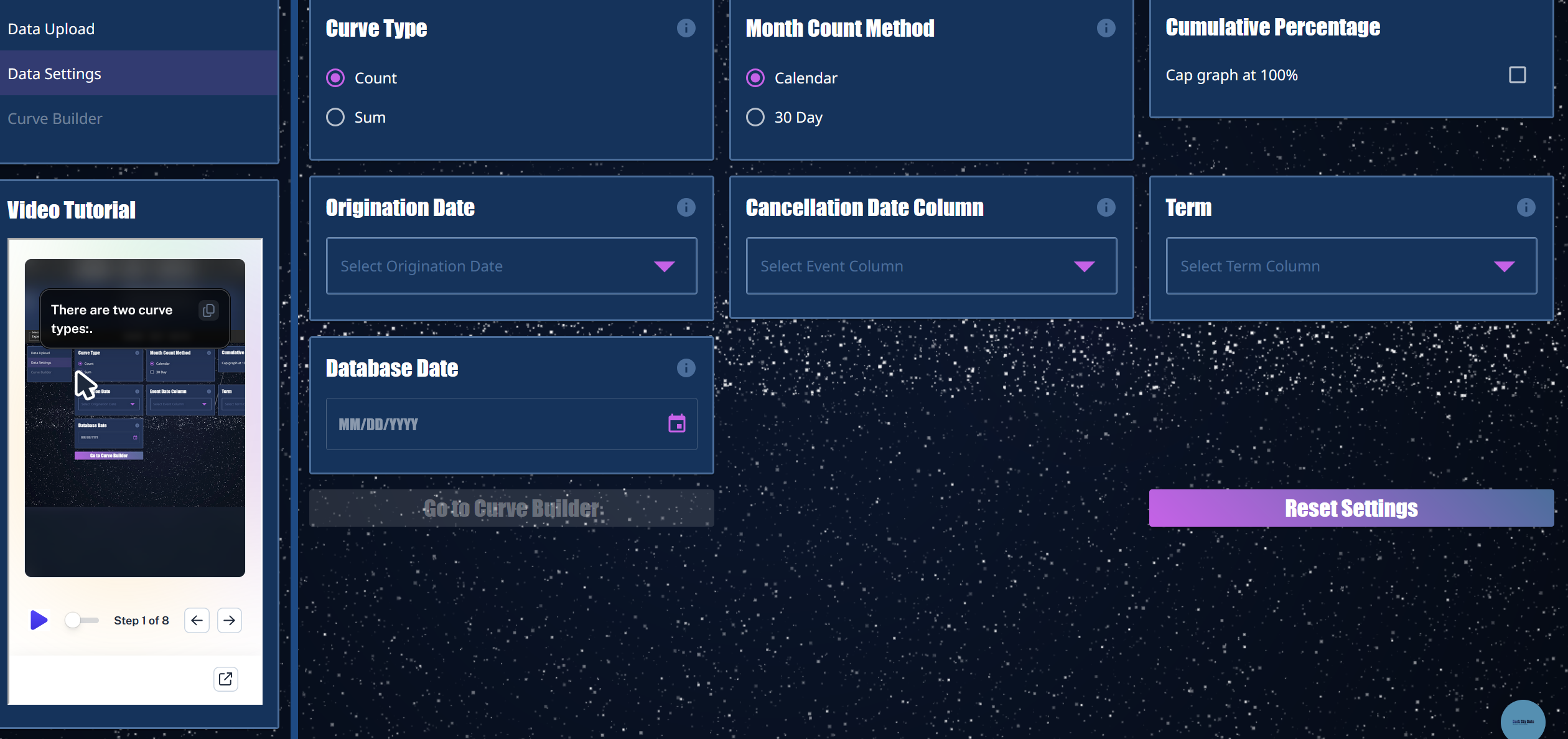
Step 2: SET FIELDS AND FILTERS
Select the fields you want to analyze and choose how to group your data.
Build Cancellation Curves across products, dealers, terms, vintages, or other segments to see how cancellation behavior develops over time.
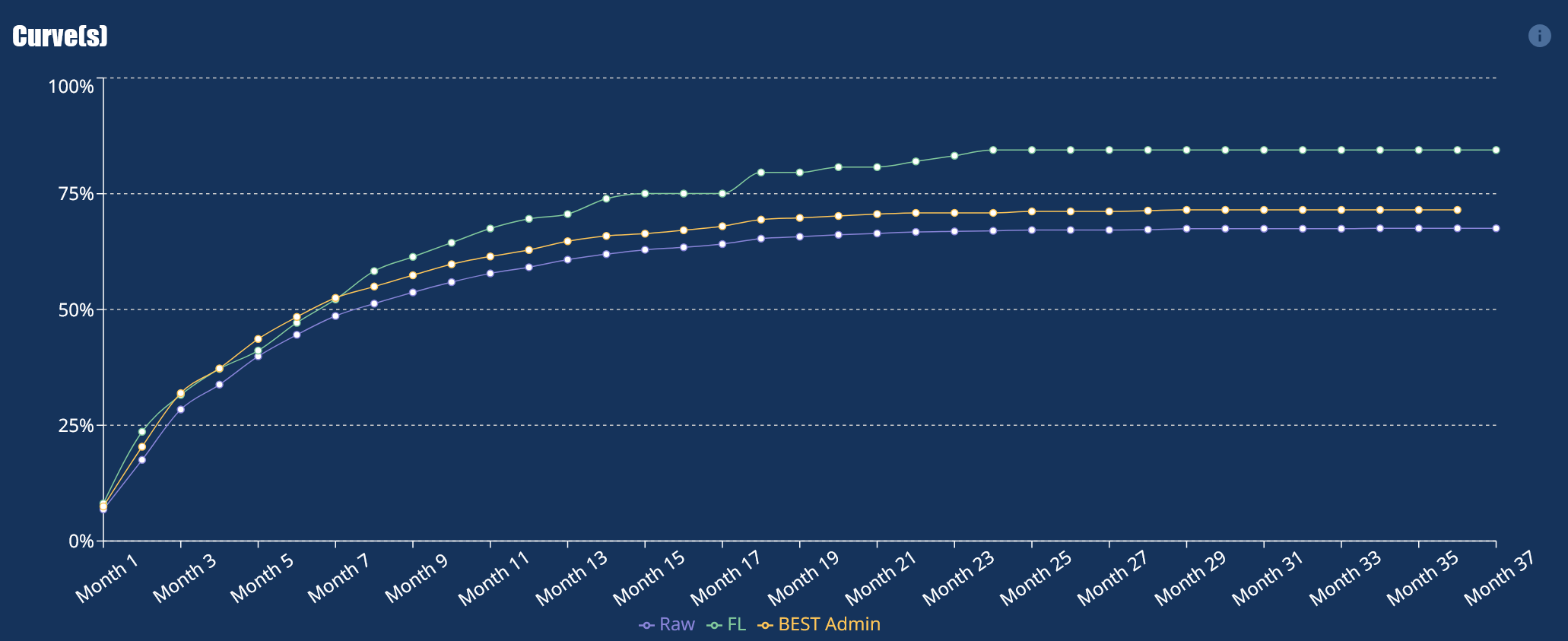 Step 3: Build Curves
Compare curves side by side to identify where cancellation patterns begin to diverge.
Explore the underlying data, investigate differences between segments, and use the results to guide your next analysis.